This blog has secrets
My blog has a bunch of non-obvious features which I’ve added because I love to over-engineer stuff. Here’s a list of eleven hidden features I think are most interesting.
Read posts in alternate formats #
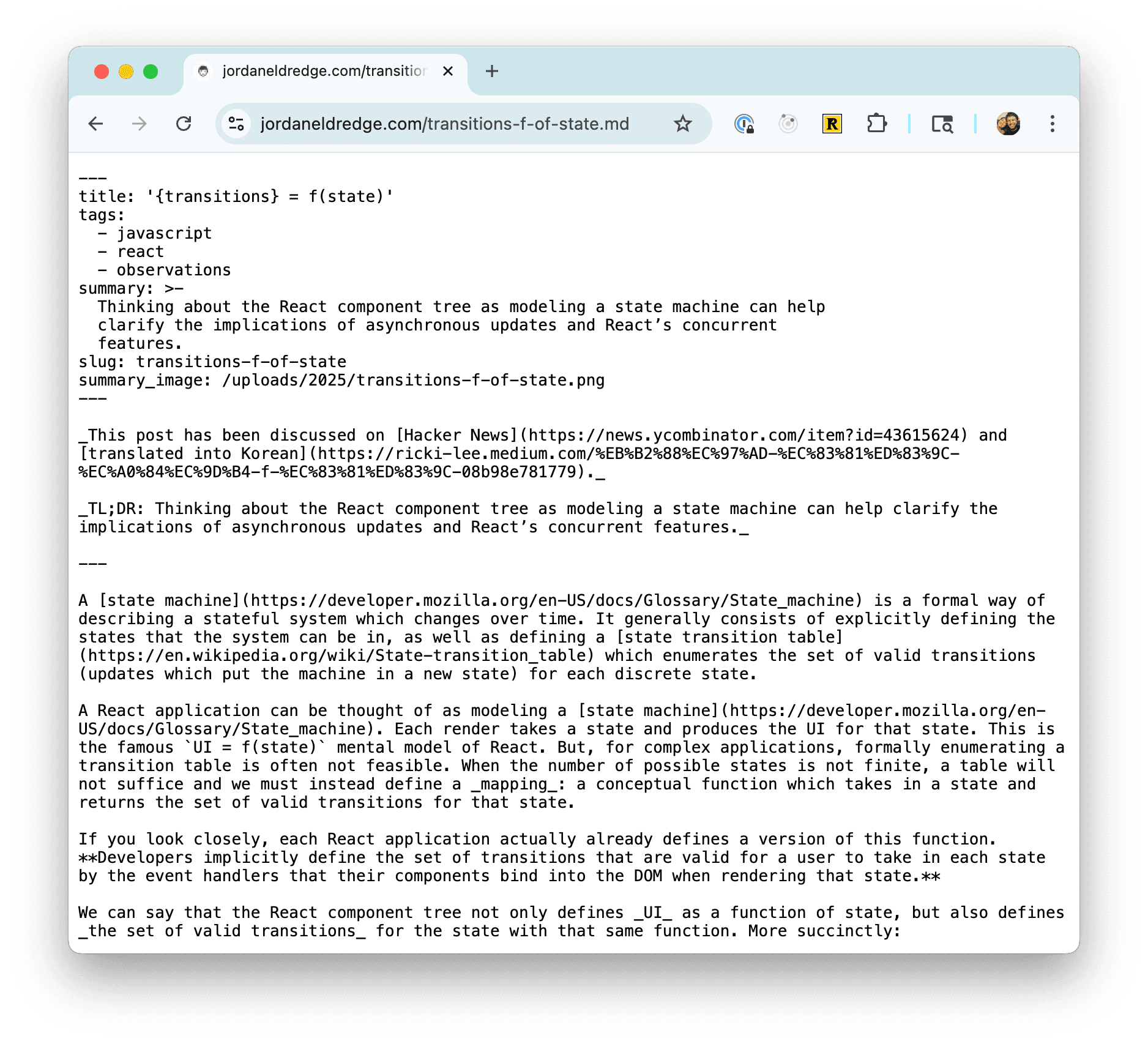
If you add .md or .mp3 to the URL of any post/note it will render that post as either a markdown file or an AI text-to-speech audio file. For example secrets.md.
Listen to the blog as a podcast #
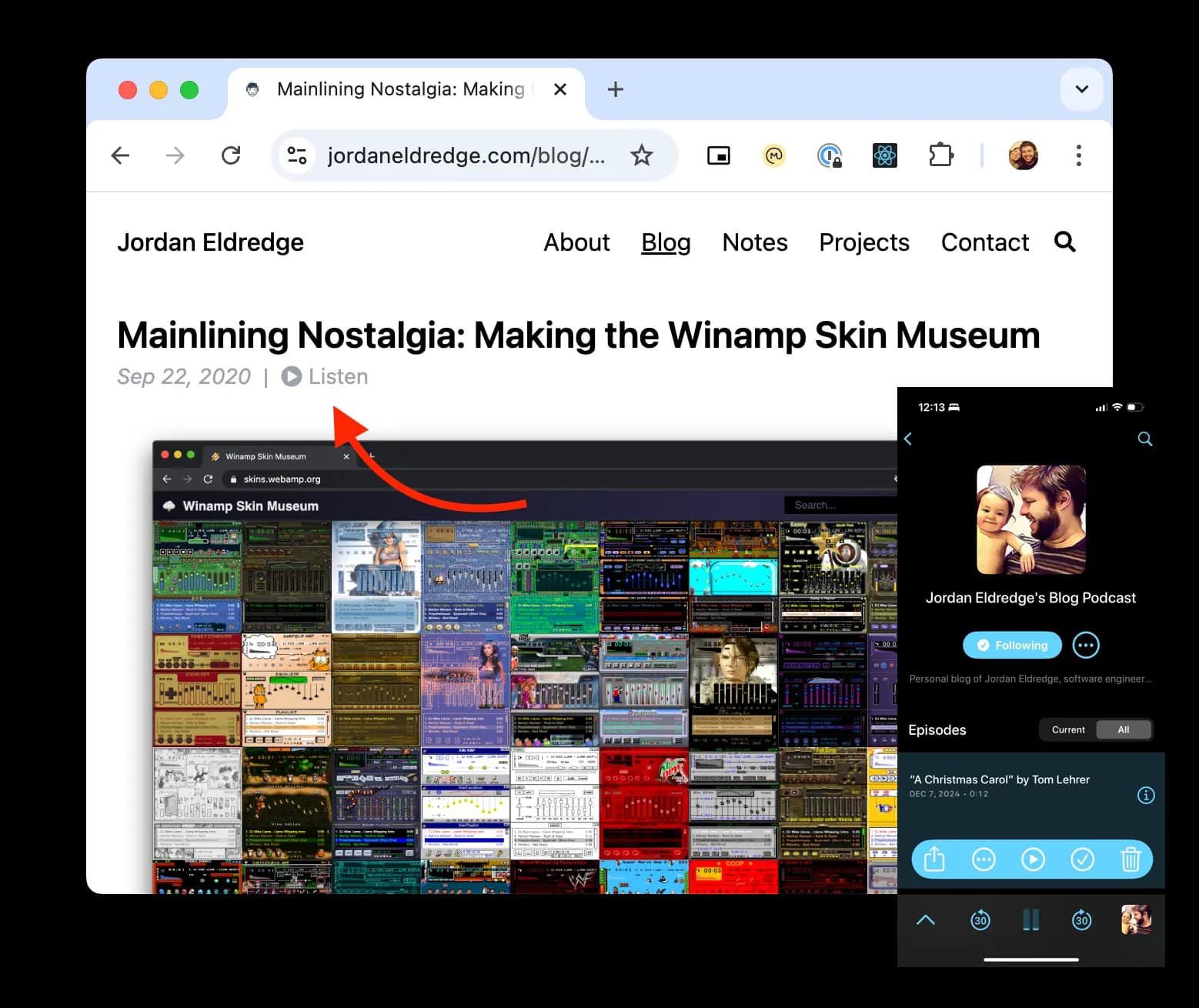
I prefer to listen to text content rather than read it. If you do too, you can subscribe to this podcast which consists of each post on the blog read by AI. You can also find a small “Listen” button at the top of each post.
Query the blog using GraphQL #
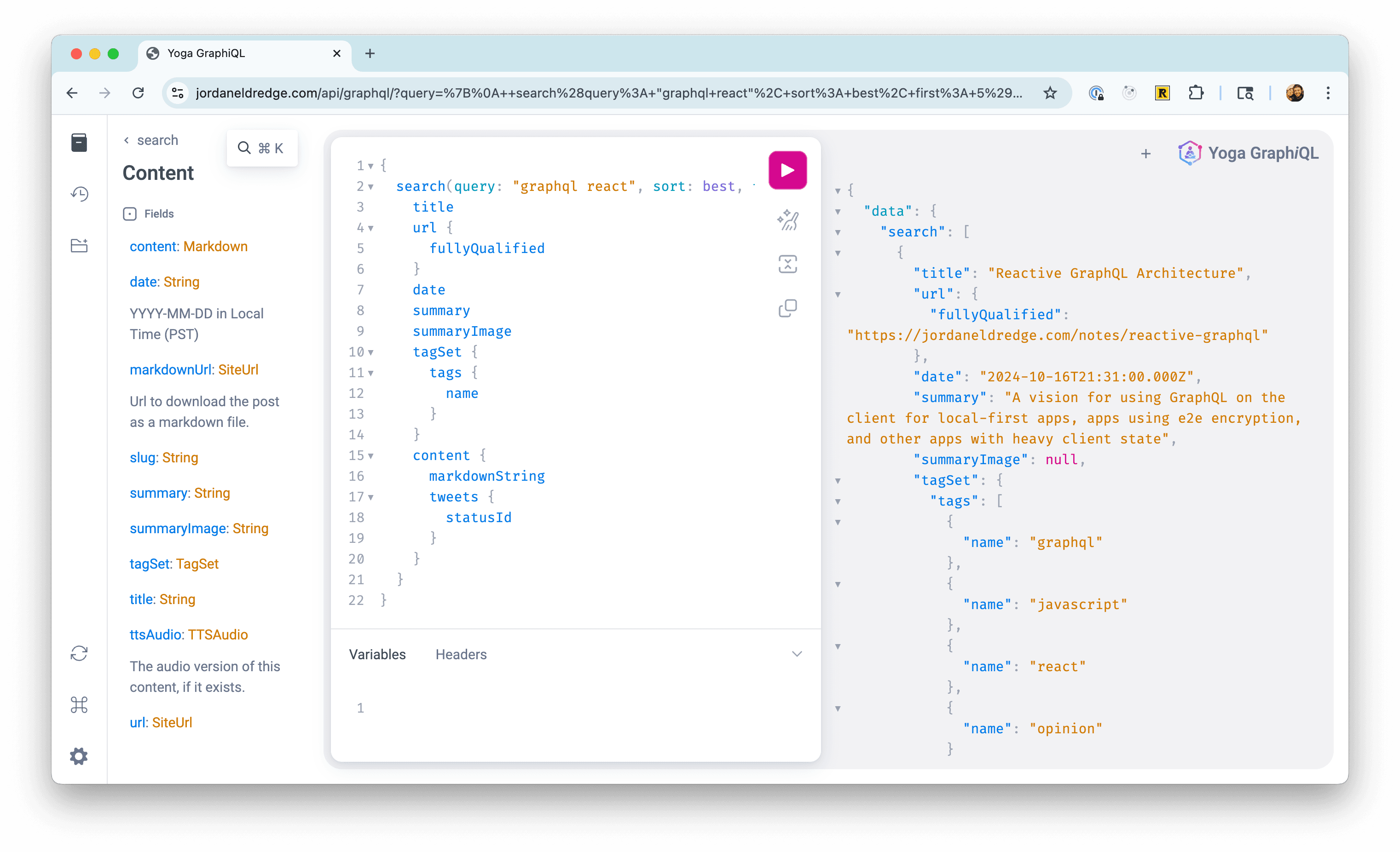
To play with my project Grats I slapped a few @gqlType annotations on this blog’s TypeScript models and exposed them as a GraphQL API. You can play with an interactive query UI using GraphiQL.
Embedded cross-page audio player #
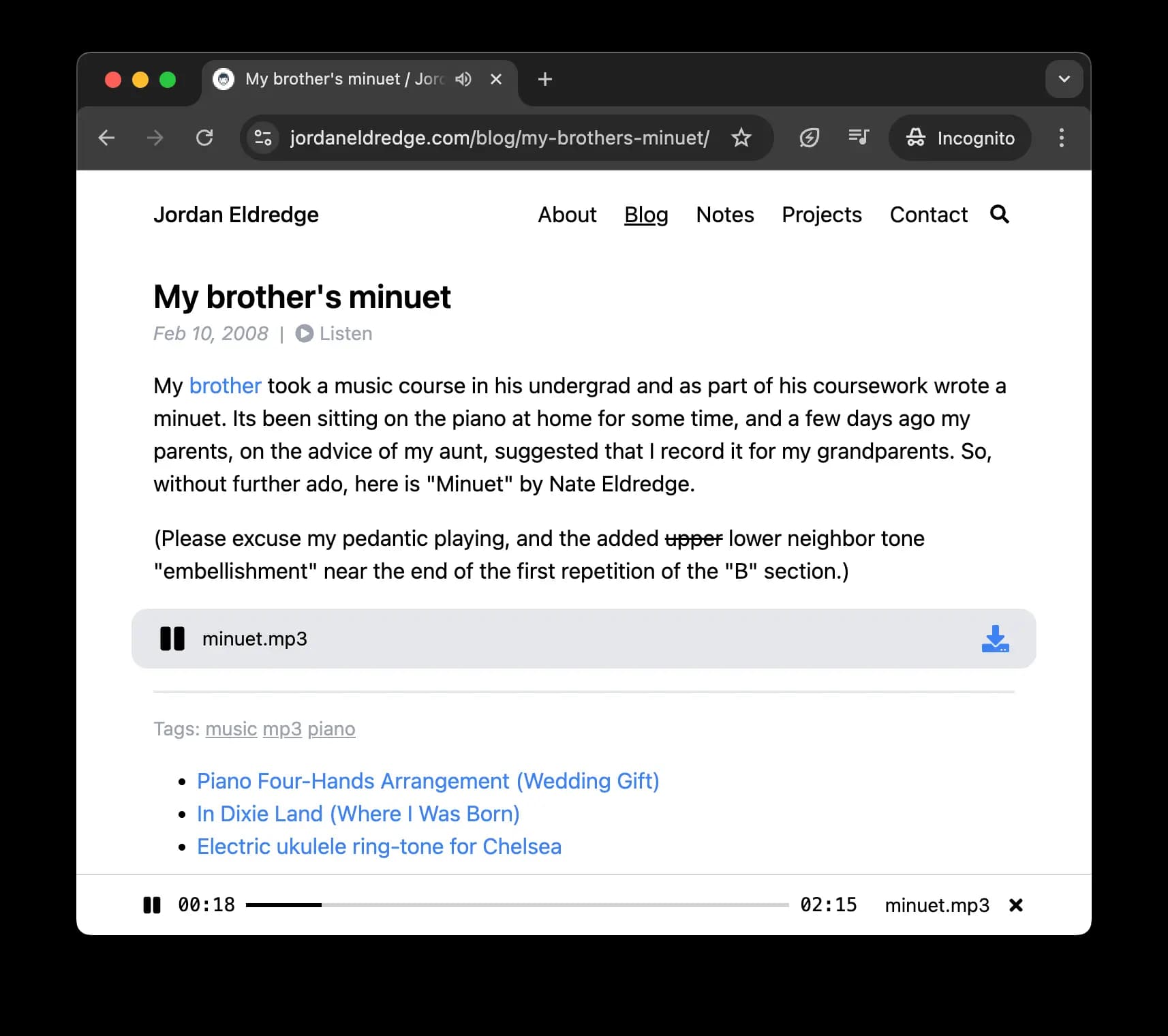
Since as early as 2008 this blog has included embedded audio files. When I rewrote the blog using Next.js I took the opportunity to add a custom audio player. The main benefit is that the player persists in the footer meaning that you can start playing a track and then navigate to a new page without the audio stopping.
Sophisticated search DSL #
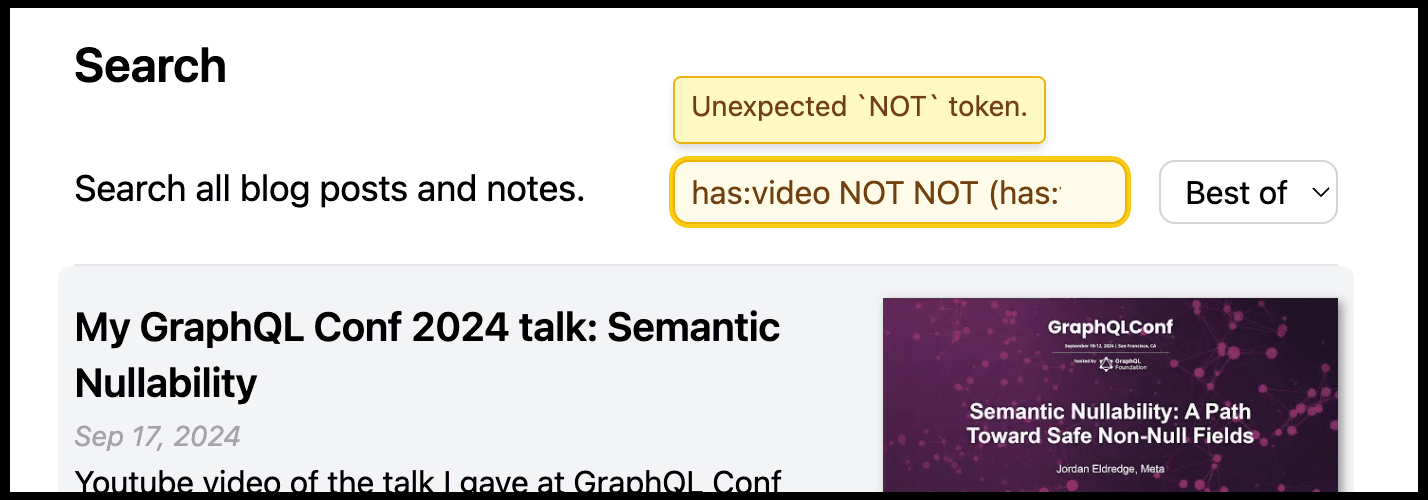
The content of this blog is cached in a SQLite database to enable dynamically building different lists. I also leverage SQLite’s FTS (full text search) feature to power the search page. What you may not know is that the search input accepts structured searches using a custom search grammar with full support for boolean operators. So if you want to find posts that have embedded videos but don’t have either embedded tweets or the tag “graphql” you could search for: has:video NOT (has:tweet OR #graphql).
This query is parsed to an AST and then compiled to a SQLite query mixing FTS and structured conditions. You can play with a debug version of the search parser which shows the parsed AST/SQLite query at the debug search page.
One feature I like about the search input is that while the query will always fall back to a text search, if you use syntax it can’t understand, it will show a small warning.
PageRank algorithm #
As part of building the “related” section at the bottom of each posts, I wanted to ensure I was listing related posts, but also the “best” related posts. But what makes a post “best”? I figured I’d take a page (heh) out of Google’s book and tried implementing the famous PageRank algorithm. It analyzes the tags and interlinking between posts as well as a few hard coded inflows of “juice” for posts which have been linked to from sites like Hacker News to try to compute an objective rank for each post. I’m not sure how well I’ve been able to do here.
You can see all my posts/notes together in PageRank order here: https://jordaneldredge.com/posts/
GitHub powered comments #
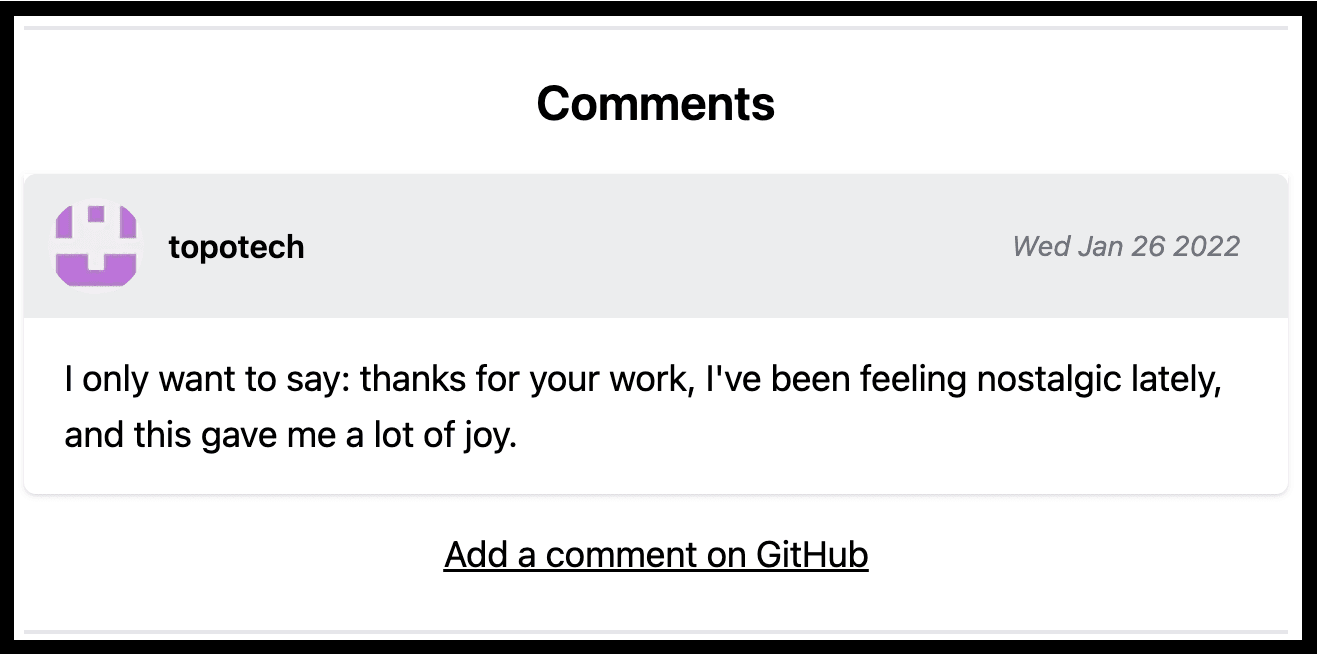
Its nice to allow users to comment on your posts. But people don’t want to create accounts for your random blog, and anonymous comments are a disaster. To get around this, I implemented an entirely client-side comment system piggybacking off of GitHub issues. Some posts are tagged with a specific GitHub issue. On page load the browser makes an unauthenticated request to the GitHub API to fetch all comments on that issue and then renders them on the page using React.
I can then use GitHub’s moderation tools to control which comments stay up, and I get to leverage GitHub’s existing user authentication, where most of my readers already have accounts.
Embedded animated cursors #
In my post Rendering Animated .ani Cursors in the Browser I share how I built an NPM library to render an old style of Windows animated cursors in the browser. To add to the fun, I configured that specific page to have a custom animated cursor using the library.
ESLint errors in code examples #
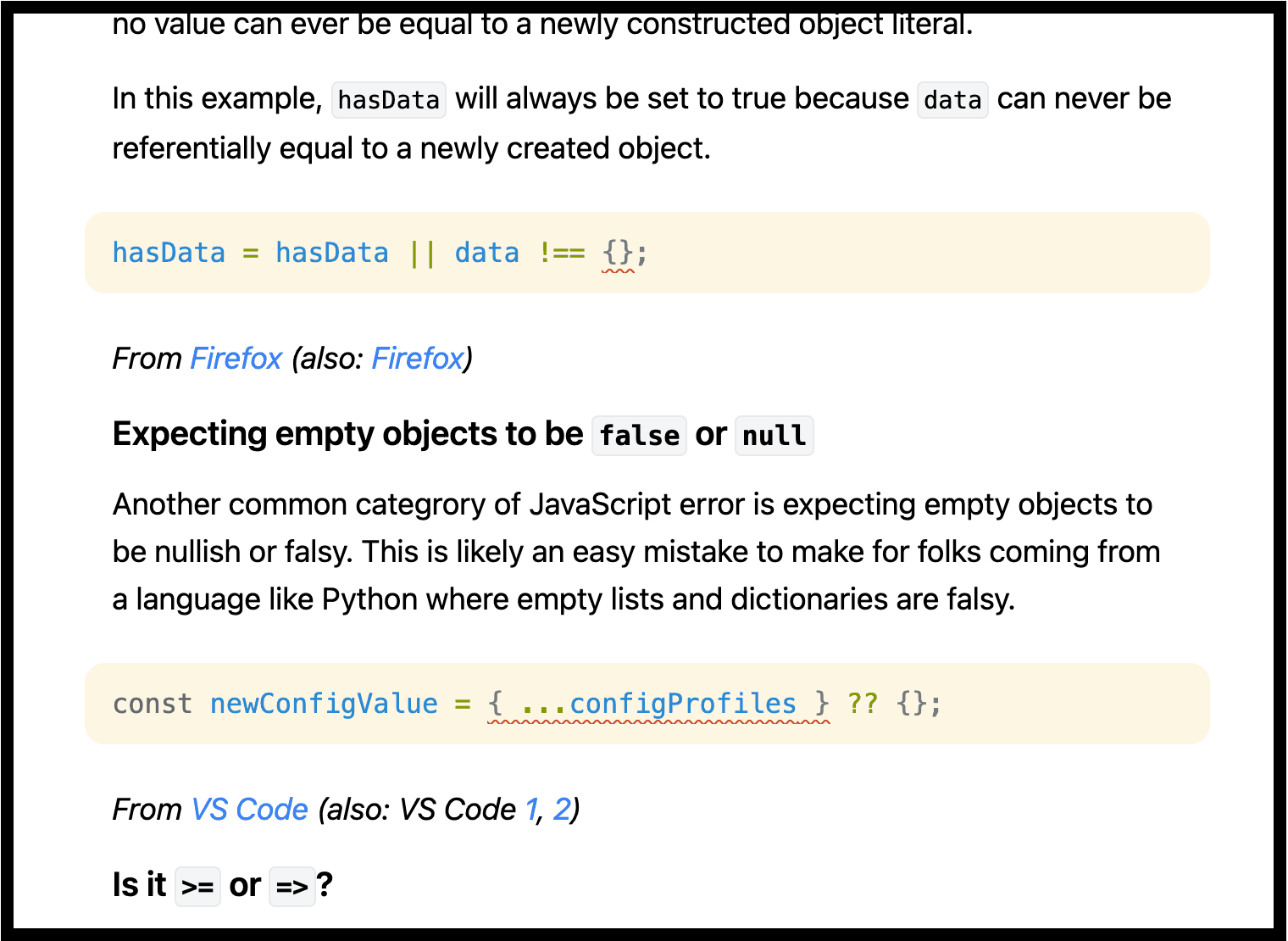
My post Interesting Bugs Caught by ESLint’s no-constant-binary-expression is mostly a bunch of examples of code that trigger the lint rule and I wanted each example to not only show the snippet but also show where the error gets reported. To enable this I wrote a custom syntax highlighter which runs ESLint on the snippet and then inserts custom syntax tokens for the ranges that ESLint reports as errors.
React rendered markdown #
Unlike many markdown-based sites which render markdown to HTML and then style it, this site parses posts (encoded as markdown) to an AST and then uses a recursive React component to render that markdown to the page. This enables me to have custom defined interactive elements inside my markdown. Such as the above mentioned audio player, Next.js smart links which preload content, embedded YouTube videos and more.
I wrote about this in A nice way to render Markdown in React apps.
Personal paste bin #
My site has an admin side that can be authenticated to using passkeys. Once logged in, you can create pastes.
If the paste filename is
.mdyou can view it as a rendered markdown file: sample.mdIf the paste filename is
.htmlyou can view it as an HTML document: webamp.html
This last feature is great for vibe coding little single purpose apps, like this spelling app my wife made for our daughter to practice her weekly spelling word list: https://jordaneldredge.com/paste/19/spelling-game-single-v20250929a.html
Conclusion #
What is a personal website but a little garden in which to over-engineer and play with ideas? If you want to take a peek at how any of this works, you can find my blog’s code on GitHub.